


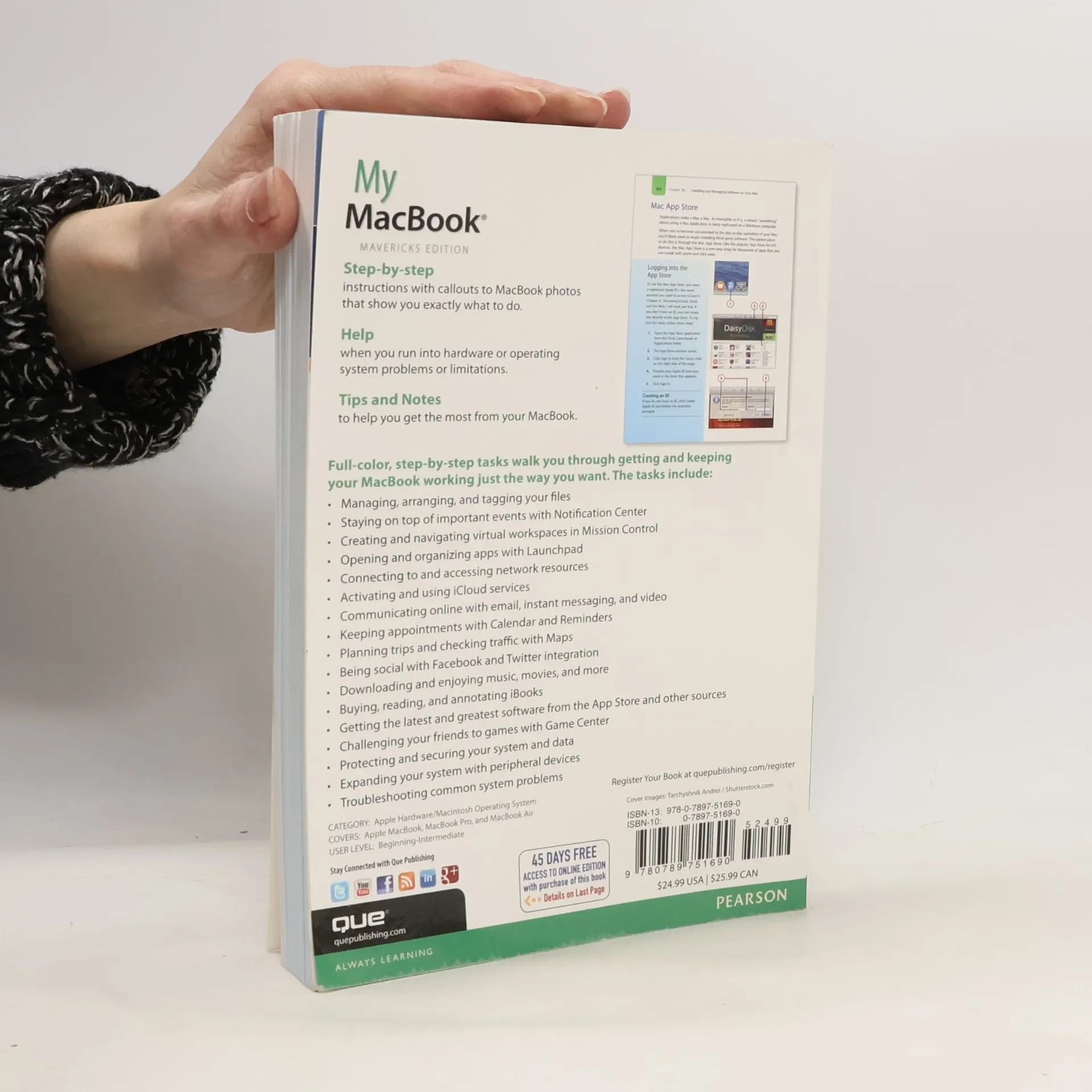
My MacBook
Mavericks Edition - Covers MacBook, MacBook Pro, and MacBook Air
Autori
Maggiori informazioni sul libro
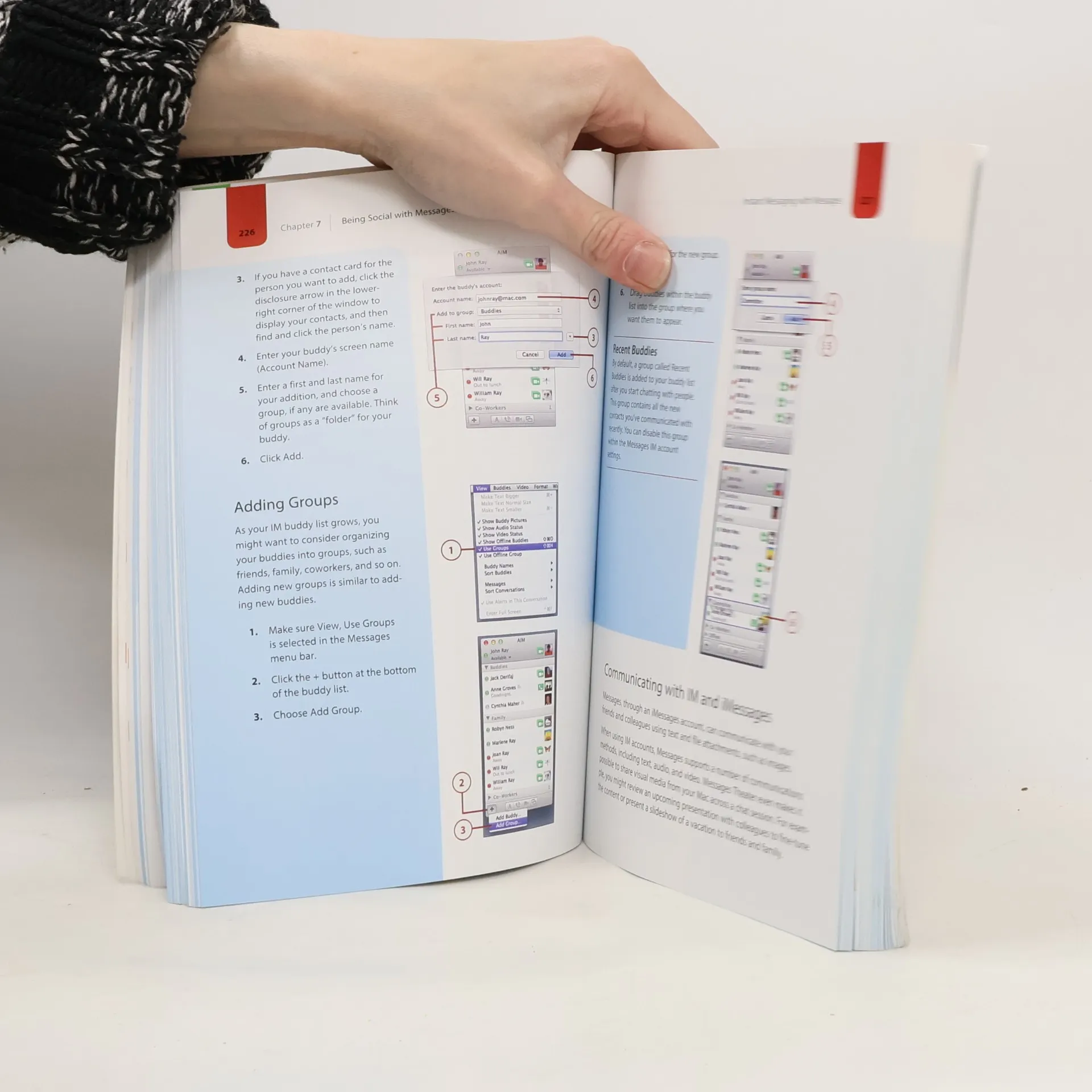
Covers MacBook, MacBook Pro, and MacBook Air "Step-by-step instructions" with callouts to MacBook photos that show you exactly what to do."Help "when you run into hardware or operating system problems or limitations."Tips and Notes "to help you get the most from your MacBook. Full-color, step-by-step tasks walk you through getting and keepingyour MacBook working just the way you want. Tasks include: - Managing, arranging, and tagging your files- Staying on top of important events with Notification Center- Creating and navigating virtual workspaces in Mission Control- Opening and organizing apps with Launchpad- Connecting to and accessing network resources- Activating and using iCloud services- Communicating online with email, instant messaging, and video- Keeping appointments with Calendar and Reminders- Planning trips and checking traffic with Maps- Being social with Facebook and Twitter integration- Downloading and enjoying music, movies, and more- Buying, reading, and annotating iBooks- Getting the latest and greatest software from the App Store and other sources- Challenging your friends to games with Game Center- Protecting and securing your system and data- Expanding your system with peripheral devices- Troubleshooting common system problems
Acquisto del libro
My MacBook, John Ray
- Lingua

- Pubblicato
- 2013
- Rilegatura
- (In brossura),
- Condizioni del libro
- In ottime condizioni
- Prezzo
- 9,79 €
Metodi di pagamento
Ancora nessuna valutazione.
- Titolo
- My MacBook
- Sottotitolo
- Mavericks Edition - Covers MacBook, MacBook Pro, and MacBook Air
- Lingua
- Inglese
- Autori
- John Ray
- Editore
- Que Publishing
- Pubblicato
- 2013
- Formato
- In brossura
- Pagine
- 528
- ISBN10
- 0789751690
- ISBN13
- 9780789751690
- Serie
- Descrizione
- Covers MacBook, MacBook Pro, and MacBook Air "Step-by-step instructions" with callouts to MacBook photos that show you exactly what to do."Help "when you run into hardware or operating system problems or limitations."Tips and Notes "to help you get the most from your MacBook. Full-color, step-by-step tasks walk you through getting and keepingyour MacBook working just the way you want. Tasks include: - Managing, arranging, and tagging your files- Staying on top of important events with Notification Center- Creating and navigating virtual workspaces in Mission Control- Opening and organizing apps with Launchpad- Connecting to and accessing network resources- Activating and using iCloud services- Communicating online with email, instant messaging, and video- Keeping appointments with Calendar and Reminders- Planning trips and checking traffic with Maps- Being social with Facebook and Twitter integration- Downloading and enjoying music, movies, and more- Buying, reading, and annotating iBooks- Getting the latest and greatest software from the App Store and other sources- Challenging your friends to games with Game Center- Protecting and securing your system and data- Expanding your system with peripheral devices- Troubleshooting common system problems