

Maggiori informazioni sul libro
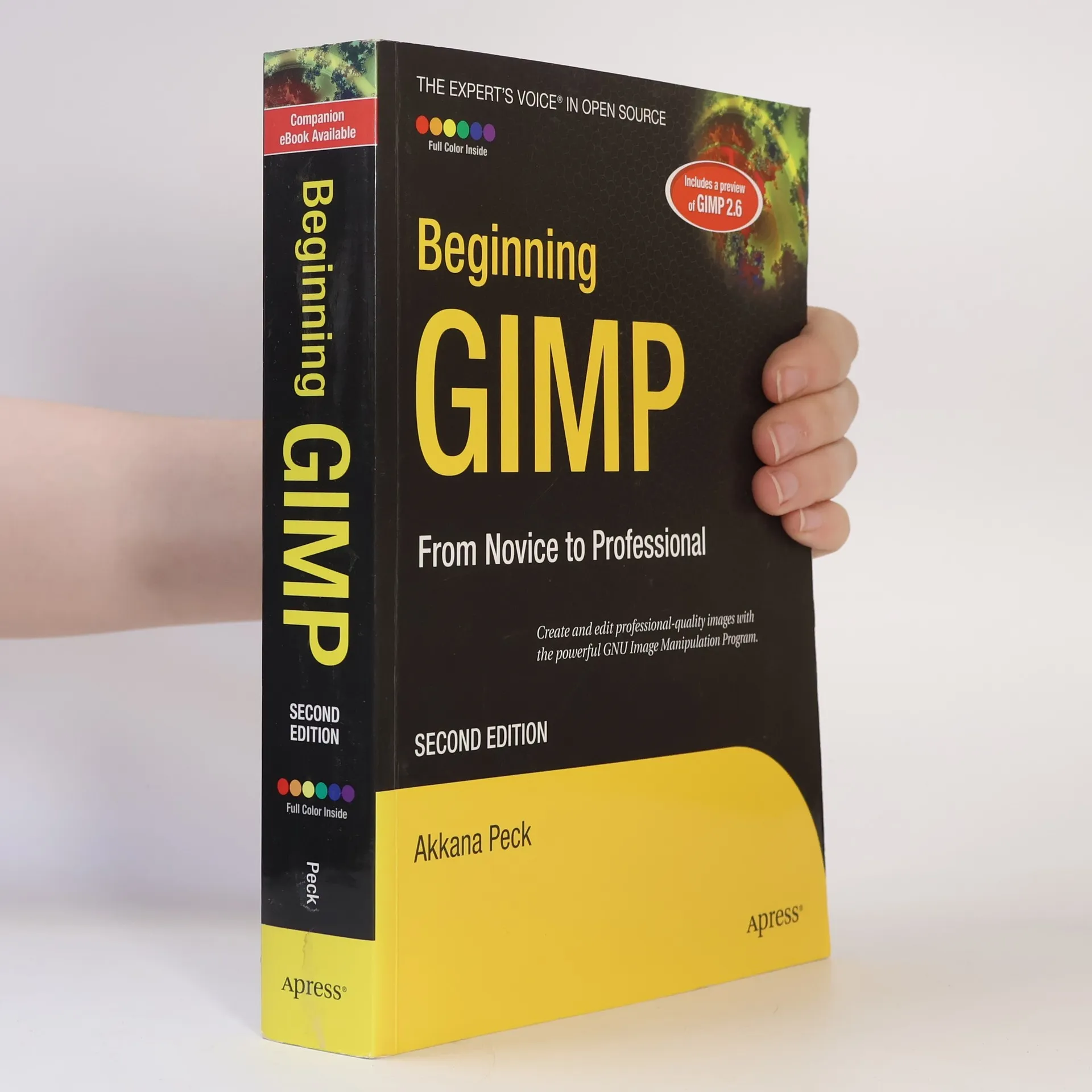
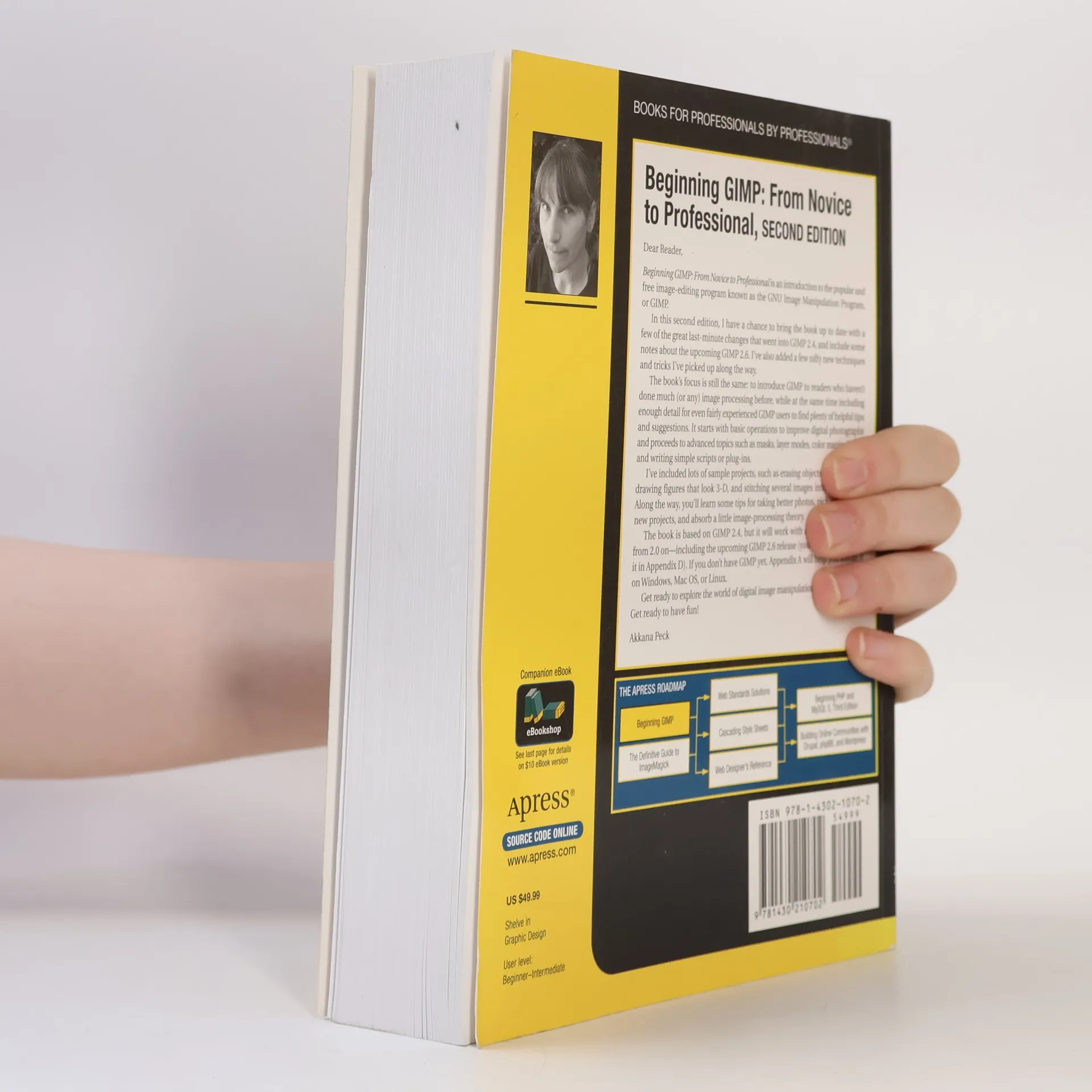
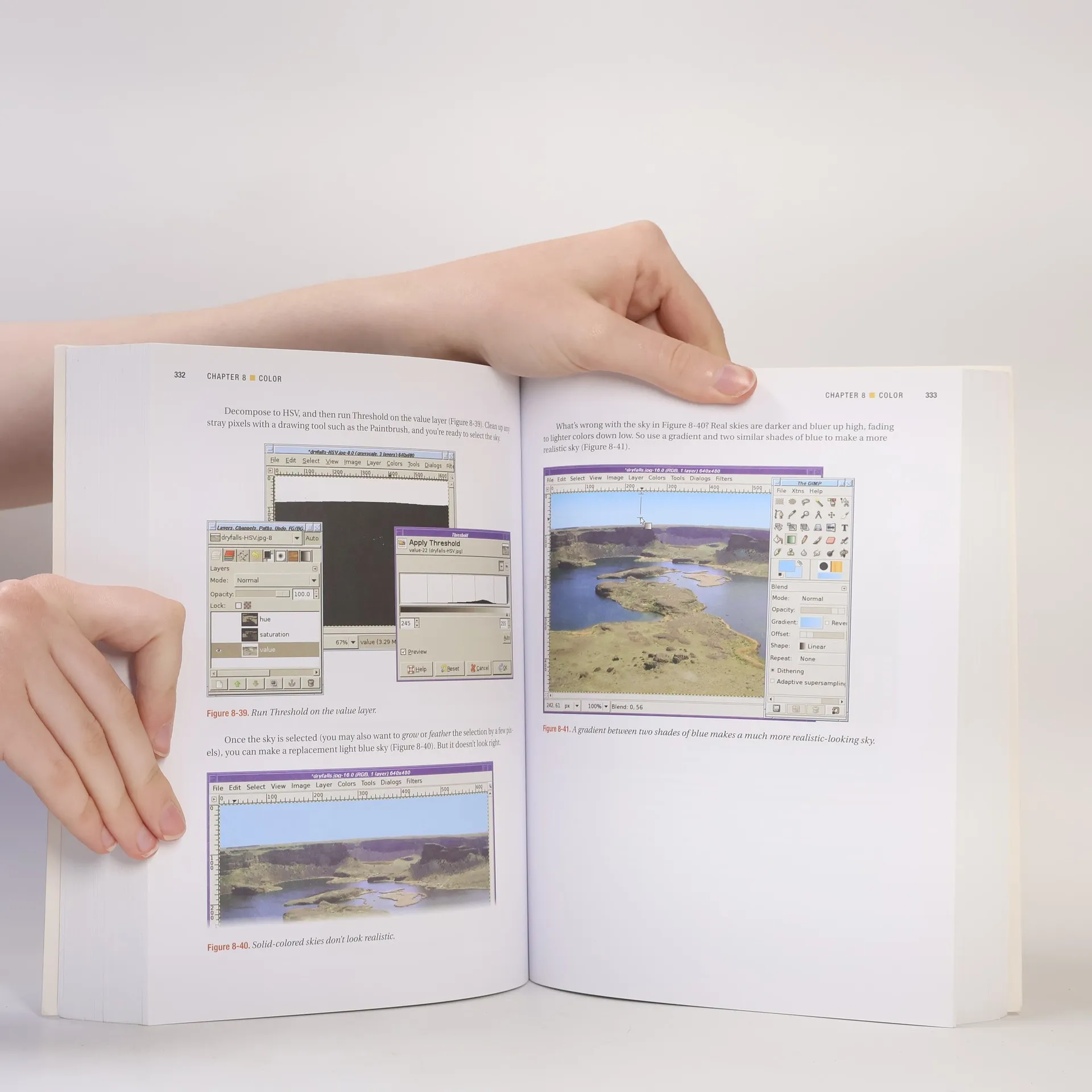
From first installation to advanced image manipulation techniques, Beginning GIMP: From Novice to Professional, Second Edition explains how anyone can utilize GIMP: a free, open source image manipulation program. You will learn how to install GIMP on Windows, Linux, and Mac OS X platforms. Once you've installed the application, you'll learn about the interface and configuration options, and then jump into a quick and simple project to familiarize yourself. With four-color graphics and screenshots throughout , you'll learn how to prepare camera images for display on web pages--including processes like rescaling, cropping, and balancing color. Utilizing layers, paths, and masks are also covered in extensive detail. Of course, you will also learn how to draw lines and shapes; utilize patterns and gradients; and even create your own brushes, patterns, and gradients. GIMP expert and author Akkana Peck teaches you how to touch up digital photographs, smudging away blemishes, fixing red-eye, and stitching panoramic images. You'll learn how to tap into the powerful filters, effects, and plug-ins that are available for GIMP and automate tasks using scripts. The entire book is approached in a project-based manner, and as you progress, numerous projects will help strengthen your newly acquired abilities.
Pubblicazione

Acquisto del libro
Beginning GIMP, Akkana Peck
- Lingua

- Pubblicato
- 2008
- Rilegatura
- (In brossura)
Metodi di pagamento
Qui potrebbe esserci la tua recensione.
- Titolo
- Beginning GIMP
- Sottotitolo
- From Novice to Professional - Second Edition
- Lingua
- Inglese
- Autori
- Akkana Peck
- Editore
- Apress
- Pubblicato
- 2008
- Formato
- In brossura
- Pagine
- 610
- ISBN10
- 1430210702
- ISBN13
- 9781430210702
- Serie
- Tag
- Manuali e guide, Arte, Software
- Valutazione
- 3,9 su 5
- Descrizione
- From first installation to advanced image manipulation techniques, Beginning GIMP: From Novice to Professional, Second Edition explains how anyone can utilize GIMP: a free, open source image manipulation program. You will learn how to install GIMP on Windows, Linux, and Mac OS X platforms. Once you've installed the application, you'll learn about the interface and configuration options, and then jump into a quick and simple project to familiarize yourself. With four-color graphics and screenshots throughout , you'll learn how to prepare camera images for display on web pages--including processes like rescaling, cropping, and balancing color. Utilizing layers, paths, and masks are also covered in extensive detail. Of course, you will also learn how to draw lines and shapes; utilize patterns and gradients; and even create your own brushes, patterns, and gradients. GIMP expert and author Akkana Peck teaches you how to touch up digital photographs, smudging away blemishes, fixing red-eye, and stitching panoramic images. You'll learn how to tap into the powerful filters, effects, and plug-ins that are available for GIMP and automate tasks using scripts. The entire book is approached in a project-based manner, and as you progress, numerous projects will help strengthen your newly acquired abilities.